What Is Digital Paper and How Do You Use It?
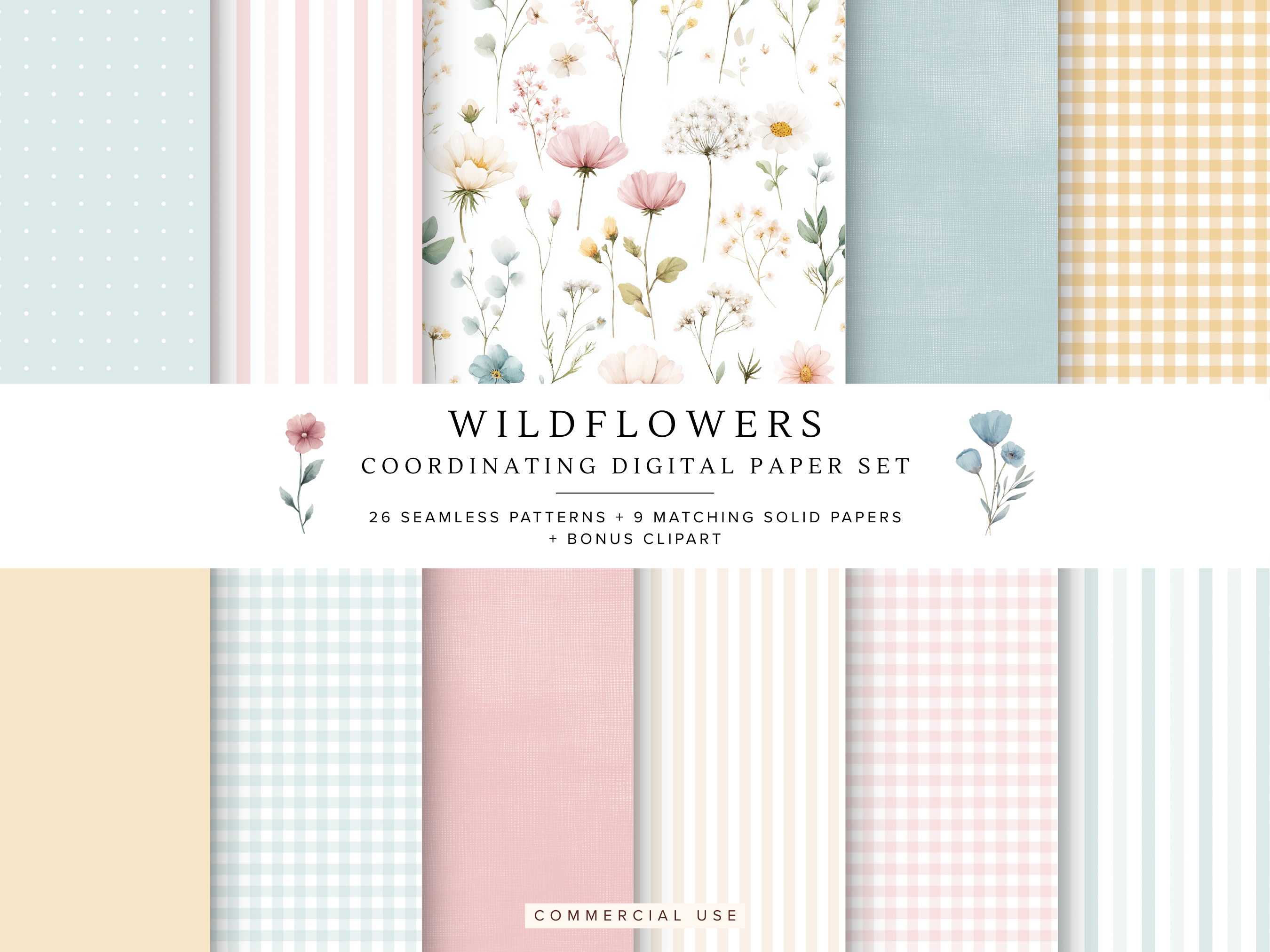
If you've been scrolling through Etsy or Pinterest and keep seeing "digital paper" in your feed, you might be wondering what it actually is - and whether it's something you need in your creative life. (Spoiler: it probably is.)
Here's everything you need to know.
What is digital paper?
Digital paper is exactly what it sounds like - paper, but digital. It's a high-resolution image file (usually JPEG or PNG) that replicates the look of decorative paper you'd find in a craft store. Think gingham, toile, florals, stripes, watercolour washes, linen textures - all available as instant digital downloads.
Unlike physical paper, digital paper never runs out, never tears, and can be resized to fit any project without losing quality. You download it once and use it as many times as you like.
What's the difference between digital paper and seamless patterns?
Great question! They're closely related but slightly different.
A seamless pattern is a repeating design that tiles perfectly - meaning you can stretch it to any size and it will repeat without visible seams or edges. Seamless patterns are usually sold as JPEG files sized at 12x12 inches (the standard scrapbooking size) but can be scaled up or down endlessly.
Digital paper is often the same thing - a seamless pattern presented as a ready-to-use paper sheet. At Hazel & Lune we use the terms interchangeably, but you'll find both in our shop.
What can you use digital paper for?
The short answer is: almost anything. Here are the most popular uses:
- Scrapbooking - digital and hybrid scrapbookers use digital paper as backgrounds, borders, and decorative layers in their pages
- Printable party supplies - use digital paper as a background for invitations, games cards, tags, and banners
- Planner and journal covers - gorgeous covers for printable planners, Goodnotes notebooks and traveller's notebooks
- Card making - cut and layer digital papers to create beautiful handmade cards
- Print-on-demand - upload to Printify or Printful to create cushions, tote bags, wrapping paper and more
- Craft projects - print at home and use for decoupage, origami, envelope liners, gift wrapping and packaging
Do I need special software to use digital paper?
Not at all! Digital paper works with:
- Canva (free) - drag and drop the file as a background image
- PowerPoint or Google Slides - insert as a background or design element
- Photoshop or Procreate - for more advanced layering and editing
- Your home printer - simply print and use like regular decorative paper
If you can open an image file, you can use digital paper. It really is that simple.
What should I look for when buying digital paper?
A few things to check before you buy:
- Resolution - look for 300 DPI minimum for print projects. All Hazel & Lune patterns are 300 DPI.
- File size - 12x12 inches is the standard for scrapbooking. Smaller files may pixelate when printed large.
- Commercial use licence - if you're using digital paper to create products for sale, make sure the licence covers commercial use. Our entire shop is commercial use friendly.
- Coordinating sets - buying patterns that are designed to work together saves you a lot of time. Our coordinating digital paper sets combine clipart, seamless patterns, stripes, gingham and solids in perfectly matched colourways.
Where can I find high quality digital paper?
Our Etsy shop Hazel & Lune specialises in premium digital paper and seamless patterns for crafters, designers and small business owners. Every pattern is high resolution, commercially licensed, and designed to coordinate beautifully with our clipart collections.
Want to try before you buy? Download our free Sage Green Pattern Pack - 10 seamless patterns, instant download.
